
Free Online Image Tools – Convert, Compress, Resize Images & Create PDF
 6 min read
JJN Online Image Tools
Convert, compress, resize images and create PDFs online.
80%
Select an image to get started.
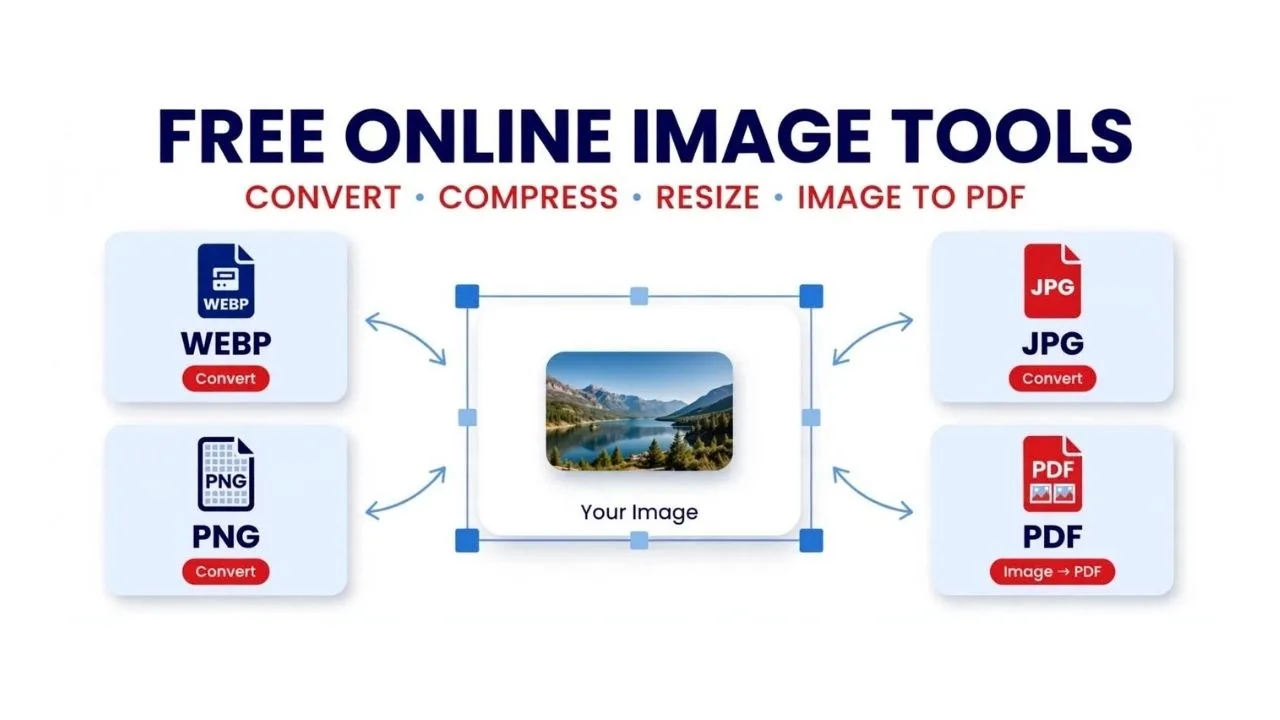
Looking for free online image tools to convert, compress, resize, or convert pictures into PDF files? JJN Image Tools makes it easy to manage your images directly from your browser. Whether you need to reduce an image’s file size, change its format, adjust its dimensions, or combine multiple pictures into a PDF, you can use our tools without installing desktop software.
Our online image tools are designed for students, bloggers, website owners, content creators, and everyday users who want a simple way to work with image files.
What Can You Do with JJN Image Tools?
1. Convert Images to WEBP, JPG and PNG
Different websites and applications support different image formats. With our online image converter, you can change supported images into WEBP, JPG, or PNG format.
WEBP is commonly used for website images because it can offer smaller file sizes at comparable visual quality. JPG is widely used for photographs, while PNG is useful when you need lossless image quality or transparency.
Select your image, choose an output format, and process the file in your browser.
2. Compress Images Online for Smaller File Sizes
Large image files can take longer to upload and may increase the storage space required by your website or device. Our image compressor helps reduce the size of supported images while maintaining a practical balance between file size and visual quality.
You can adjust the quality setting before processing an image. The results depend on the original image, its format, and the selected quality level. PNG files may not become significantly smaller through quality adjustment alone.
Image compression can be particularly useful for bloggers, website administrators, students, and people who regularly share photographs online.
3. Resize Images to Your Required Dimensions
Sometimes an image is too large for a website, online form, presentation, or social media post. The image resizer lets you enter a target width or height and generate a resized image.
For the best results, choose dimensions that match your intended use. Resizing changes the image dimensions, while compression focuses on reducing its file size. You may use both techniques when appropriate.
Always check the final image before uploading it to a website or submitting it to an online form.
4. Convert Images into a PDF File
Need to combine photographs, scanned pages, or screenshots into one document? Use the image-to-PDF feature to create a PDF from multiple selected images.
Choose the images you want to include and start the PDF process. This feature can be useful for students preparing notes, users organising scanned documents, and people who need to share several pictures in a single file.
Check the order and readability of your images before sharing the finished PDF.
How to Use These Free Online Image Tools
Follow these simple steps:
Open the image tool you want to use on this page.
Select one or more supported image files from your device.
Choose the output format or enter your required dimensions, depending on the tool.
Adjust the image quality when needed.
Click the relevant processing button.
Download the generated file using the download link provided.
For the best experience, use an up-to-date browser and make sure your internet connection allows any required supporting libraries to load.
Are These Online Image Tools Free?
JJN Image Tools are provided for free use on this page. You do not need to install a separate image-editing application to perform the supported operations.
Processing takes place in your browser for the image operations provided here. However, certain features, such as PDF generation, may rely on an external library. Browser compatibility, image size, and device memory can affect the results.
Is It Safe to Use an Online Image Converter?
Always use image tools carefully, particularly when handling confidential documents or personal photographs. The image-processing features on this page are designed to work in your browser, but you should avoid processing sensitive files if you are unsure about your browser environment or any external resources the page loads.
Keep a copy of your original image before making changes, and review the output before sharing or publishing it.
Frequently Asked Questions
How can I convert JPG to WEBP online?
Select your JPG image, choose WEBP as the output format, and click the conversion button. Download the converted file when processing finishes.
How can I reduce image size online?
Select your image, adjust the quality setting, and use the image compression feature. The amount of size reduction depends on the image format, dimensions, and original quality.
Can I resize an image without installing software?
Yes. You can use the image resizer on this page in a compatible browser. Enter a target width or height and process your selected image.
Can I convert multiple images into one PDF?
Yes. Select multiple supported images and use the Images to PDF option. The images are placed into a PDF document, subject to browser and library limitations.
Which image formats are supported?
The tool is designed to work with JPG/JPEG, PNG, and WEBP images. Other formats may need to be converted before they can be processed.
Use JJN Image Tools for Everyday Image Tasks
From converting JPG to WEBP and compressing images to resizing pictures and creating PDFs, JJN Image Tools brings several useful image operations together on one page. Select a tool above, process your image, and download the result when it is ready.
Jai Jagdamba News aims to make useful online resources easier to access for readers, students, bloggers, and digital content creators.
